

tmps.fyi
Instantly share text, images, and files across devices with tmps.fyi, a free and secure online clipboard. No sign-up or app required.
AI ProductivityFreeWebPublic0 Views

Screenshots
About this product
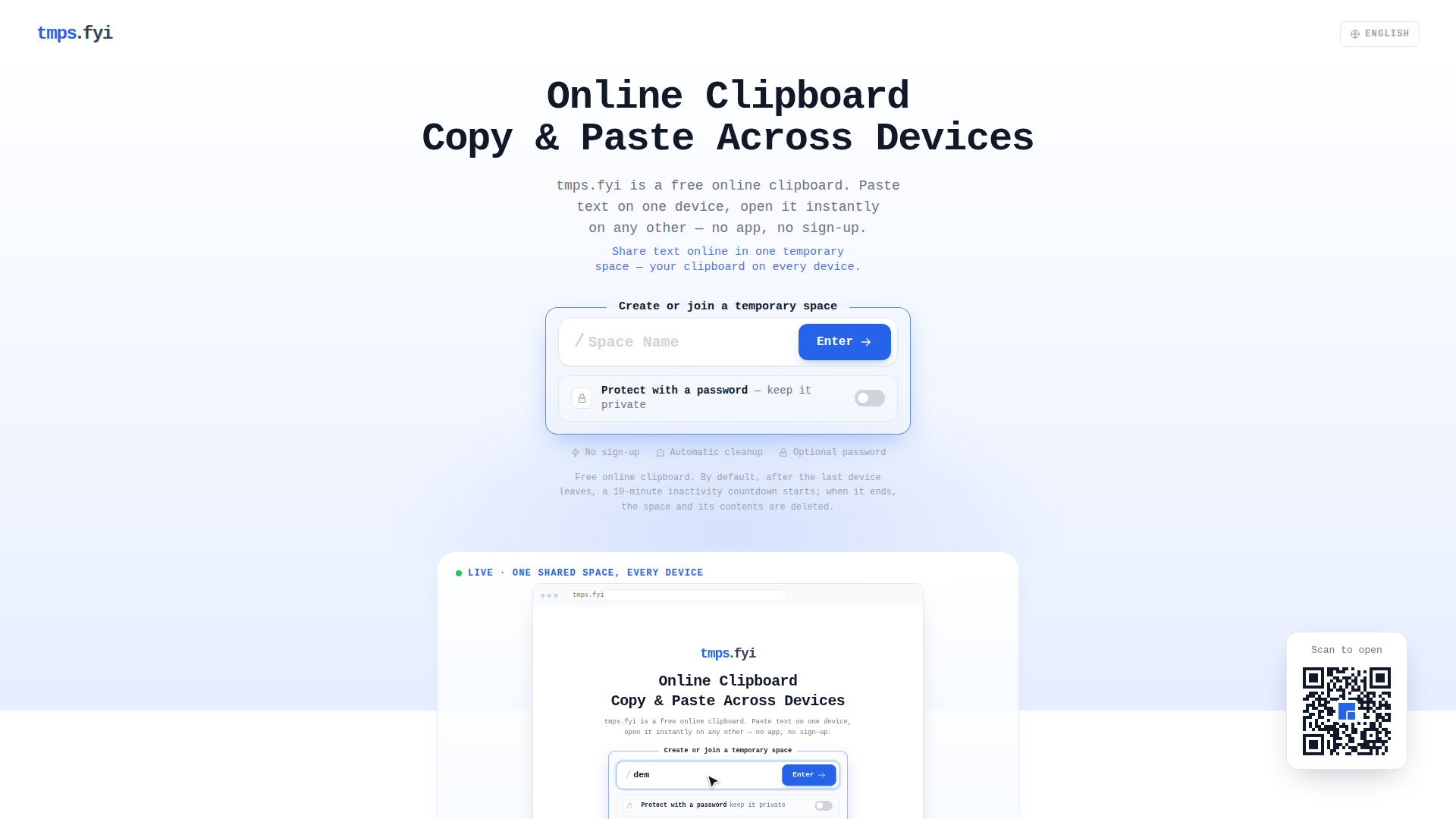
tmps.fyi is a free, browser-based online clipboard that lets people copy text, images, screenshots, and small files on one device and instantly paste or download them on another — with no app installation, no account, and no sign-up of any kind. Website Positioning: tmps.fyi positions itself as the fastest possible "hand-off layer" between two devices, sitting deliberately between tools that are too heavy (email, cloud storage, USB cables, AirDrop) and the simple need to move one piece of content right now. It is not a cloud storage or file-sync product; it is a short-lived, disposable shared space whose default lifetime is measured in minutes, not months. Target Audience: developers debugging a snippet from desktop to phone, students moving lecture slides or screenshots, remote workers in meetings who need to open a link on a second screen, and everyday users transferring a note, address, code, or photo between an iPhone, Android phone, Windows PC, Mac, tablet, or Chromebook — especially people working across mixed ecosystems where AirDrop or vendor sync tools fail. Core Features: named temporary spaces (create or join by typing the same space name, or via an invitation link), real-time synchronization with updates appearing within milliseconds across all connected devices, an optional password to restrict who can join a space, support for plain text, clipboard images, screenshots, and files, and automatic cleanup that starts a 10-minute inactivity countdown once the last device leaves, after which the space and its contents are permanently deleted. Content Features: the site pairs a minimalist single-purpose tool with a substantial content layer — a homepage walkthrough ("How it works" in three steps), use-case sections (testing CSS on a phone, sending screenshots, moving links mid-meeting, cross-platform transfer), a comparison table against email, AirDrop, cloud storage, and USB cables, plus a large FAQ hub of 17 cross-device sharing questions and a guides/blog section targeting long-tail search queries such as phone-to-PC text transfer, iPhone-to-Windows copying, and wireless file transfer. User Experience: the flow is intentionally reduced to roughly ten seconds — choose a space name, add an optional password, type or paste content, and open the same space name on the other device; there are no dashboards, folders, permissions, or inboxes to manage, and leaving the page is a valid way to finish. Technical Features: it runs entirely in modern browsers (Windows, macOS, Linux, ChromeOS, iPhone, iPad, Android), uses real-time sync for near-instant propagation, relies on short-lived server-side spaces rather than persistent accounts, supports optional password gating, and enforces automatic time-based deletion. The site is transparent that spaces are not end-to-end encrypted and warns users never to share passwords, recovery codes, or other highly sensitive information. Overall, tmps.fyi wins on zero-friction access: if both devices have a browser, they can exchange content immediately, across brands and operating systems, without cables, pairing, or sign-in.
Similar products
 KoncileAutomate your procurement processes with Koncile’s advanced AI document extraction and control solutions designed for efficiency and accuracy.
 Pie Chart MakerCreate stunning pie charts in seconds using our intuitive Pie Chart Maker. Perfect for students and professionals!
 DiaflowTransform your business with Diaflow's no-code AI platforms, enabling seamless workflow automation and app development for enhanced productivity and growth.